Samsung Odyssey G7 37", six months later
PS5 Pro gaming, photo editing, movies and work on one curved 4K screen. Brilliant picture, frustrating ports.
PS5 Pro gaming, photo editing, movies and work on one curved 4K screen. Brilliant picture, frustrating ports.
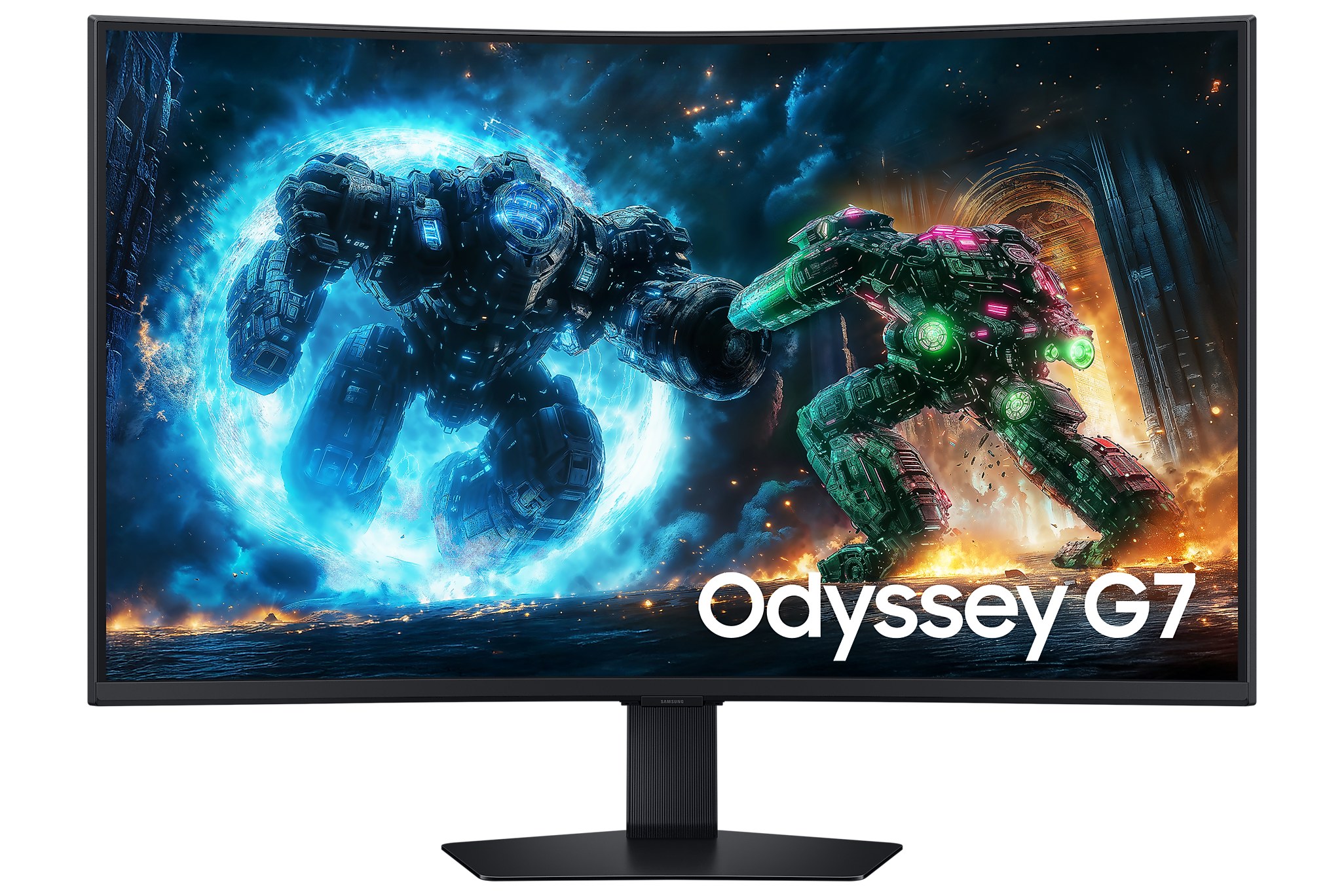
For the past six months, the Samsung Odyssey G7 37-inch has been the centre of my desk. It's where I play on my PS5 Pro, edit my photos, watch movies, and do my actual work. One screen doing four jobs, and doing them all well. That's the short version.
The longer version has a couple of "I wish Samsung had…" moments, mostly about ports. But first, the good stuff, because there's a lot of it.
37 inches is a sweet spot I didn't know I wanted. It's big enough to feel immersive, but not so big that I'm turning my head to read a menu. The 1000R curve wraps the edges slightly towards you, so at this size everything stays comfortably in view.
And it's 4K. At 37 inches, text is crisp, photos are sharp right down to the fine detail, and you can fit a lot on screen when working. After using it for a while, going back to a lower-resolution screen feels blurry.
One screen, four jobs: gaming, editing, movies and work. It handles all of them.
Gaming is where it really shines. Motion looks smooth, and with HDR turned on, games look properly vivid. The panel goes up to 165Hz, which you'll see on a PC. The PS5 Pro itself tops out at 120Hz, so that's what you get from the console, and it still looks great. Both HDMI ports are HDMI 2.1, which is what you need for 4K at high refresh rates from a modern console.
As someone who edits a lot of photos, colour matters to me, and I'm happy with it. Colours look rich and accurate, and HDR content has real punch. Samsung quotes 90% DCI-P3 and 99% sRGB coverage, and in practice my edits look the way I expect when I check them on other screens.
One small thing for photographers: on a curved screen, perfectly straight lines can look slightly bent at the edges. It's not a problem for normal editing, but for very precise architectural work, I double-check on a flat screen.
Movies look fantastic on it, especially in a dark room where the VA panel's deep contrast helps. For work, the sheer amount of space at 4K means two windows side by side without squinting. I switch between my PC and my Mac, and having two HDMI ports plus DisplayPort makes that easy enough.
This is my main complaint. The ports are limited. You get two HDMI 2.1, one DisplayPort 1.4, a small USB hub and a headphone jack. That's it. With a PC, a Mac and a PS5 Pro all wanting a connection, I run out of inputs quickly.
There's also no eARC, and the monitor has no built-in speakers at all. On a TV, eARC lets you send audio from everything plugged into the screen straight to a soundbar with one cable. Here, getting sound from all my devices to my Samsung soundbar takes more planning than it should. If you're building a setup like mine, think about your audio routing before you buy.
| Model | Odyssey G7 G75F, 37" (LS37FG750EW) |
|---|---|
| Panel | 37" curved VA, 1000R |
| Resolution | 4K UHD, 3840 × 2160, 16:9 |
| Refresh & response | Up to 165Hz, 1ms (GtG) |
| Brightness & contrast | 350 nits typical, 3000:1 static contrast |
| HDR | VESA DisplayHDR 600, HDR10+ Gaming |
| Colour | 1.07 billion colours, 90% DCI-P3, 99% sRGB |
| Adaptive sync | AMD FreeSync Premium Pro |
| Ports | 2× HDMI 2.1, 1× DisplayPort 1.4, USB hub (1 upstream, 2× USB-A 3.2), headphone out |
| USB-C | No |
| Speakers | None |
| Stand | Height 120 mm, tilt −5° to 20°, swivel ±20°, VESA 100 × 100 |
| Size & weight | 81.6 × 67.4 × 30.4 cm with stand, 11.2 kg |
| Extras | Picture-in-Picture, Auto Source Switch+, Black Equalizer, Eye Saver Mode, Flicker Free, CoreSync lighting |
Specifications from Samsung's official product page. Response time is measured in Extreme mode.
If you want one big, sharp screen for gaming, editing, movies and work, and you're mostly connecting one or two devices, the Odyssey G7 37" is an easy recommendation. If you have a lot of devices, need USB-C for a laptop, or want simple one-cable audio to a soundbar, check the ports carefully first.
Six months in, the picture still impresses me every day. More ports and eARC would have made it an 8 or higher.
View the Odyssey G7 37" on Samsung.com ↗
— Desly